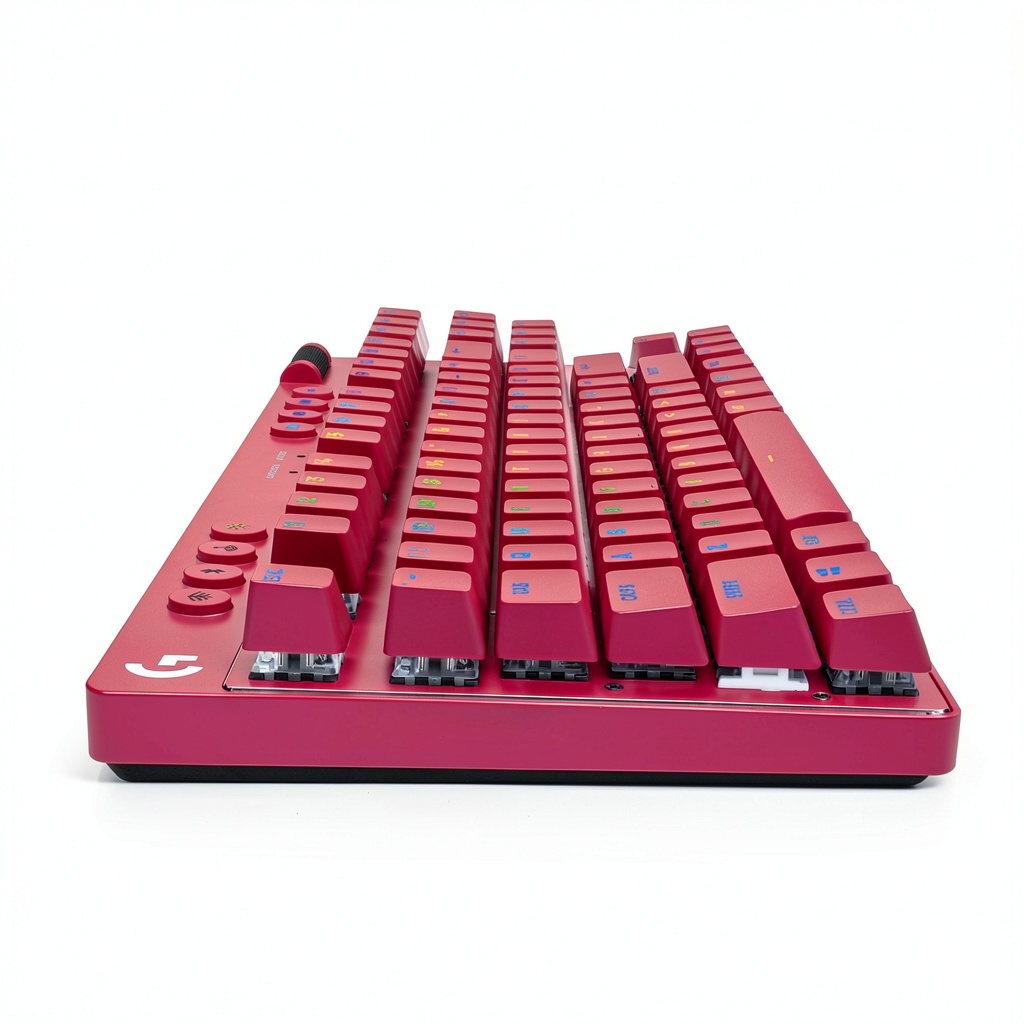

Description
Product Overview
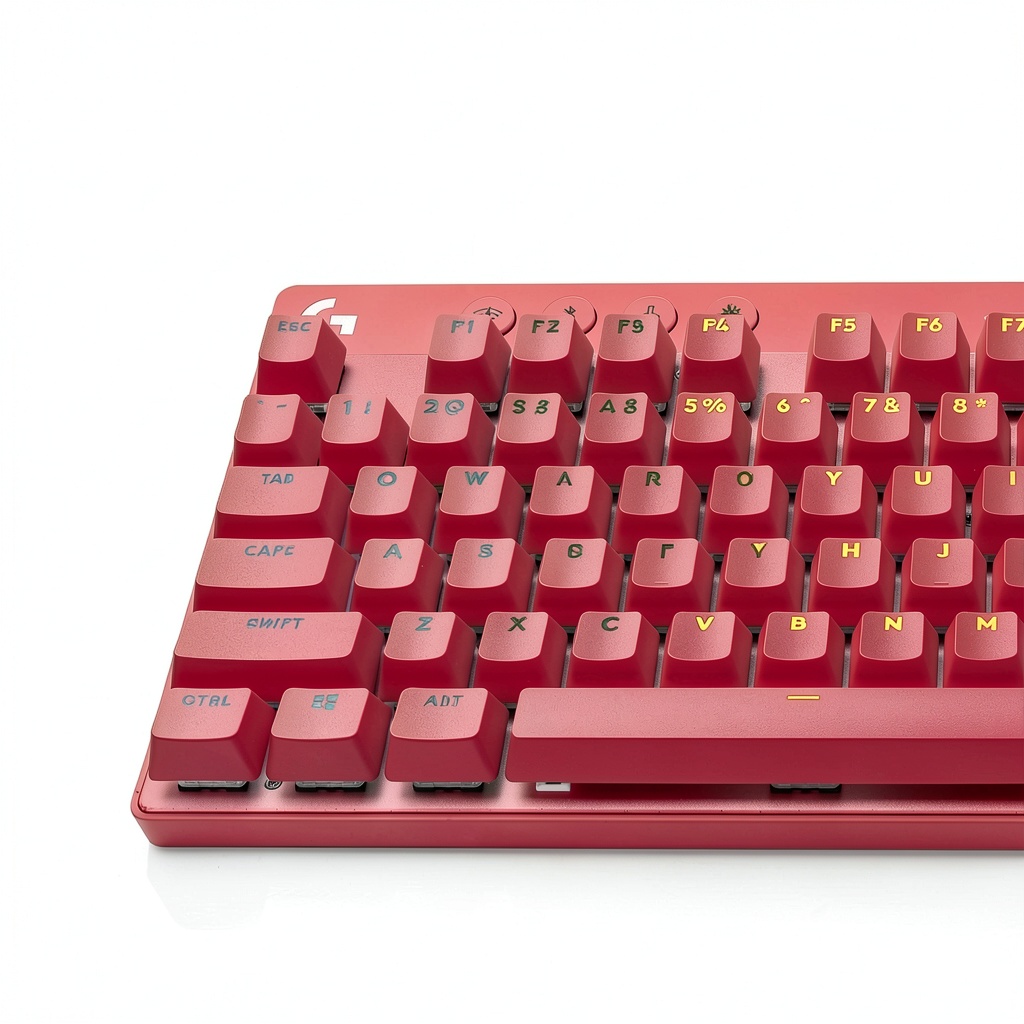
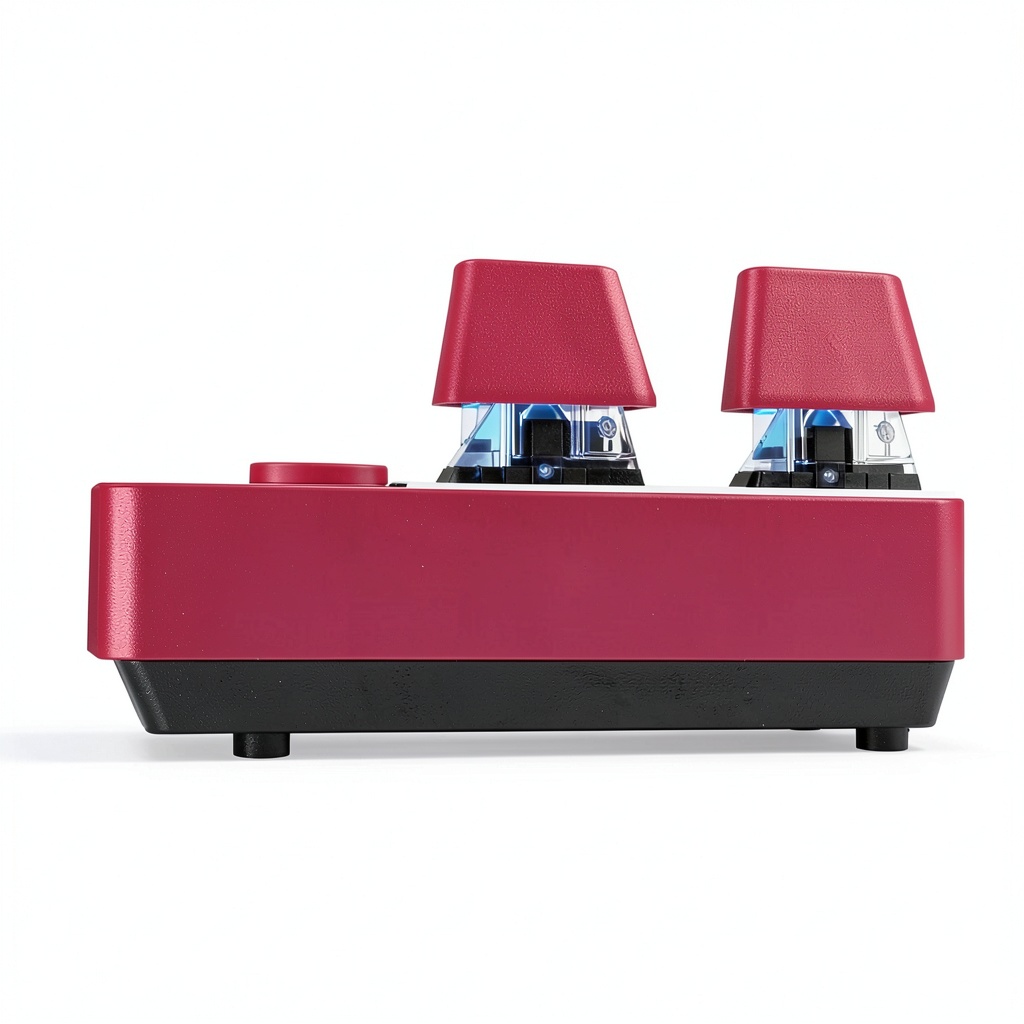
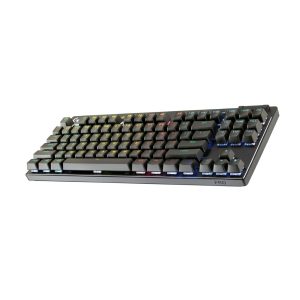
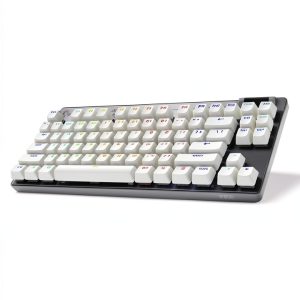
Designed for competitive gamers and demanding creators, the Logitech PRO X TKL LIGHTSPEED wireless mechanical keyboard combines high‑performance hardware with a sleek tenkeyless layout. The keyboard houses Logitech’s proprietary PRO X tactile switches, which are engineered for a crisp, responsive actuation point and a satisfying audible click that helps users register inputs quickly. A full‑size aluminum top plate provides a solid, rigid foundation that resists flex and enhances durability, while the low‑profile keycaps give a comfortable typing angle. Integrated LIGHTSYNC RGB lighting offers per‑key color customization, allowing players to create vibrant effects that sync with in‑game events or personal aesthetics. The magenta colorway adds a bold visual statement without compromising the understated elegance of the overall design.
The built‑in lithium‑polymer battery provides up to 30 hours of continuous gameplay on a single charge when the RGB lighting is set to moderate brightness. If you use the lighting at maximum intensity, the runtime may drop to around 20 hours, still sufficient for most gaming sessions. Charging is handled through a USB‑C port located on the left side of the keyboard, supporting fast‑charge technology that restores roughly 50 % of the battery in just 30 minutes. The keyboard also offers a wired mode via the same USB‑C cable, allowing you to keep playing even when the battery is depleted, ensuring uninterrupted performance during tournaments or long streaming marathons.
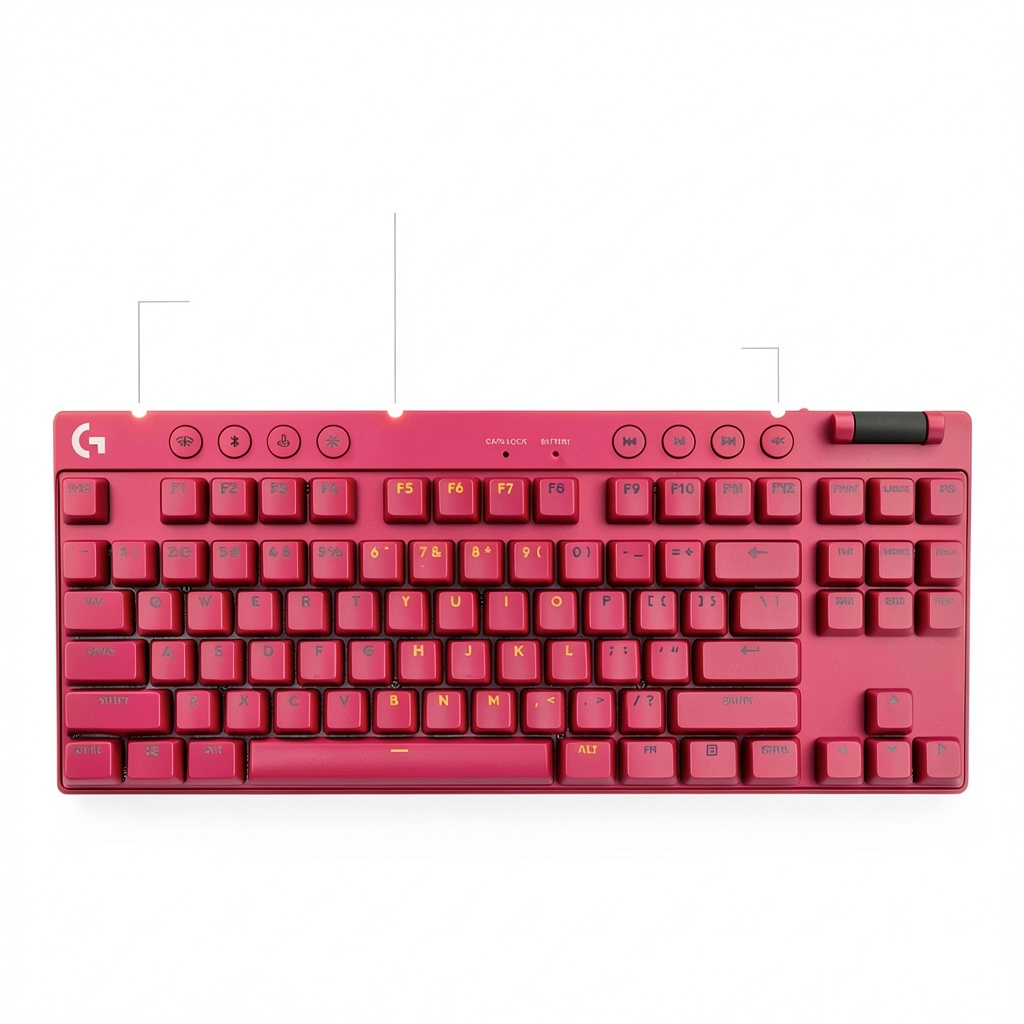
Every keycap is crafted from double‑shot PBT material, which resists shine and retains its texture even after prolonged use. The keycaps feature a matte finish that reduces finger slippage, providing a comfortable grip for rapid key presses. Additionally, the keyboard includes dedicated media controls, allowing you to adjust volume, mute microphones, and launch applications without interrupting gameplay. The detachable USB‑C cable is reinforced with a braided sleeve, enhancing durability and preventing accidental disconnections during intense sessions.
The PRO X TKL also supports on‑the‑fly profile switching, enabling you to toggle between multiple lighting and macro configurations with a simple function‑key combination. This feature is especially useful for players who switch between different game genres or need distinct setups for work and play. The keyboard’s firmware can be updated via the G HUB software, ensuring you receive the latest performance optimizations and feature enhancements without needing to replace the hardware.
Connectivity options include both wireless and wired modes, giving you flexibility based on your environment. In wireless mode, the keyboard utilizes a 2.4 GHz radio frequency that operates on a dedicated channel to minimize interference from other devices. The wired mode, activated by plugging in the USB‑C cable, provides a stable connection for competitive scenarios where absolute reliability is paramount. Both modes support full N-key rollover, ensuring that every key press is accurately recorded regardless of how many keys are pressed simultaneously.
![[Product front view showing all components]](https://www.ulvica.store/wp-content/uploads/2026/07/61be10e8320543a3901be443baeabd28.jpg)
Usage
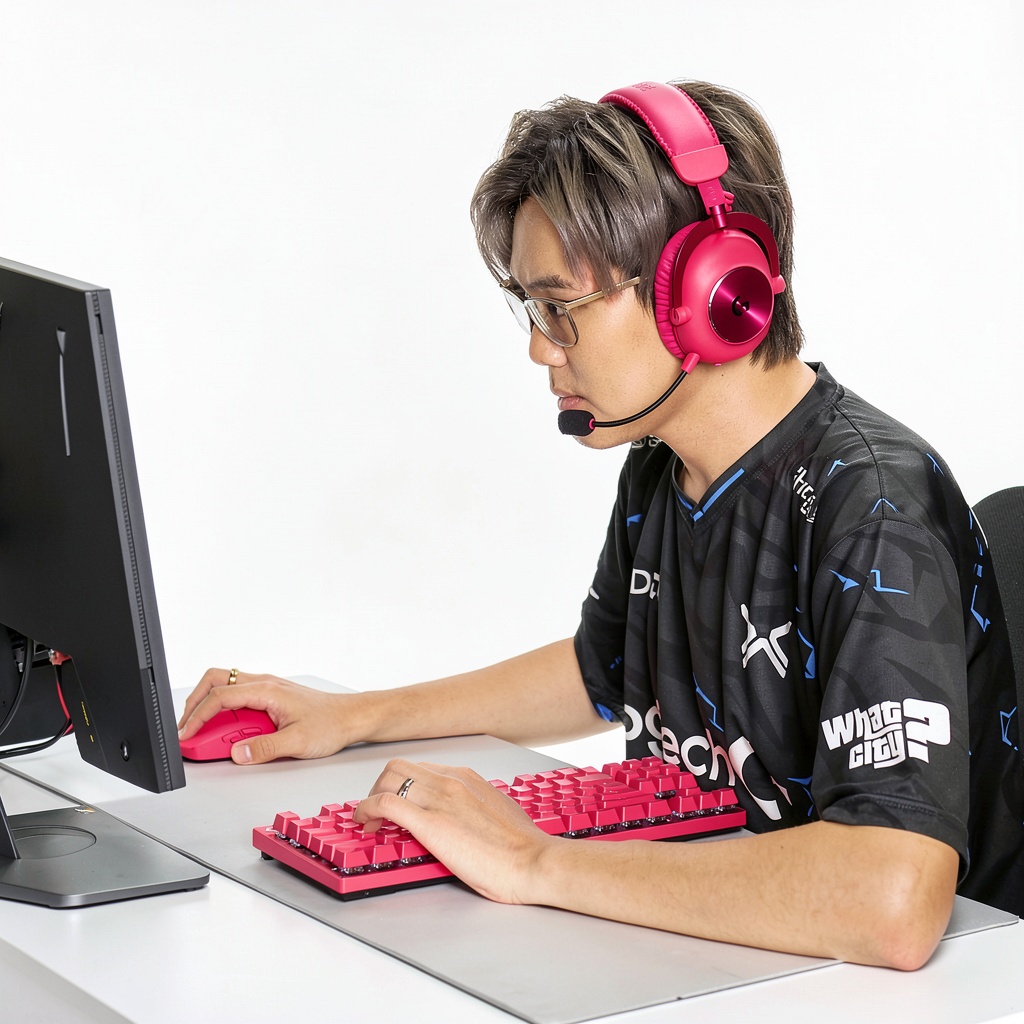
Whether you are battling in fast‑paced shooters, crafting intricate builds in role‑playing games, or typing long documents for content creation, the PRO X TKL adapts to a wide range of scenarios. The tenkeyless form factor frees up valuable desk real estate, making it ideal for compact gaming stations, shared workspaces, or minimalist setups. The tactile PRO X switches provide a balanced actuation force that reduces finger fatigue during extended sessions, while the customizable RGB zones let you assign colors to specific keys for quick visual cues during competitive play.
The keyboard’s low‑latency LIGHTSPEED connection ensures that every keystroke registers instantly, a critical advantage in games where split‑second decisions determine victory. For streamers, the built‑in media controls allow you to mute microphones, adjust volume, or launch favorite applications without leaving the game, keeping the audience engaged and the workflow seamless. The durable aluminum frame also withstands the occasional bump or spill, giving confidence to users who travel to LAN events or esports tournaments.
The keyboard’s low‑profile design and detachable palm rest make it adaptable for both standing and seated setups. When paired with a high‑refresh‑rate monitor, the LIGHTSPEED connection ensures that visual feedback from the game aligns perfectly with the tactile response of the keys, creating a cohesive experience that can improve reaction times. For content creators, the programmable macro keys allow you to assign complex command sequences to a single press, streamlining workflows such as video editing shortcuts or live‑stream commands.
Because the PRO X TKL is tenkeyless, it pairs well with external numeric keypads for users who occasionally need a number pad without sacrificing desk space. The keyboard’s sturdy construction also tolerates frequent transport, making it a reliable companion for esports tournaments, LAN parties, or on‑the‑go gaming sessions. Its anti‑ghosting technology ensures that every key press is registered accurately, even when multiple keys are pressed simultaneously, which is essential for complex in‑game combos and fast typing.
Why Choose Us
Logitech’s reputation for engineering excellence is reflected in every component of the PRO X TKL. The keyboard undergoes rigorous testing for key durability, with each PRO X switch rated for up to 70 million keystrokes, far exceeding industry standards. The anodized aluminum top plate not only adds a premium feel but also resists corrosion and wear, ensuring the keyboard maintains its aesthetic appeal over years of intensive use.
Beyond hardware, Logitech provides a comprehensive software suite through the G HUB application, allowing users to fine‑tune lighting effects, program macros, and create profiles for multiple games. The intuitive interface supports real‑time preview of RGB patterns and offers cloud backup, so your personalized settings travel with you across devices. Additionally, Logitech’s customer support includes a one‑year limited warranty and access to a global network of service centers, reinforcing confidence in the product’s longevity.
The PRO X TKL also embraces sustainability by using recyclable materials and packaging that meets Logitech’s environmental standards. By choosing this keyboard, you invest in a product that balances performance, durability, and responsible manufacturing, aligning with the values of modern gamers who care about both gameplay and the planet.
The keyboard’s firmware is designed for easy updates, allowing Logitech to roll out performance improvements and new features directly to users. This future‑proof approach means the keyboard can evolve alongside emerging gaming trends, such as new lighting effects or enhanced macro capabilities, without requiring hardware upgrades. Combined with a responsive support team and a transparent warranty policy, the keyboard offers a long‑term value proposition that extends beyond the initial purchase.
Logitech’s extensive ecosystem of accessories means you can expand your setup with compatible products such as the G Pro Wireless mouse, G933 headset, and G560 speaker system, all of which can be synchronized through LIGHTSYNC for a unified aesthetic. This integration simplifies cable management and creates a cohesive visual theme across your gaming station, enhancing both functionality and style. By investing in the PRO X TKL, you gain access to a suite of premium peripherals that work together seamlessly, providing a comprehensive solution for serious gamers.
Key Features
- PRO X tactile switches deliver a crisp, responsive click with a 45 g actuation force, reducing input lag for fast-paced gaming.
- LIGHTSPEED 2.4 GHz wireless technology provides sub‑millisecond latency, matching wired performance while eliminating cable clutter.
- Customizable LIGHTSYNC RGB per‑key lighting lets you create dynamic color effects that sync with in‑game events or personal themes.
- Aluminum top plate ensures a rigid, premium feel and resists flex, wear, and corrosion for long‑term durability.
- Logitech G HUB software offers macro programming, profile switching, and cloud backup, backed by a one‑year warranty and responsive customer support.
FAQ
What type of switches does the PRO X TKL use and are they replaceable?
The keyboard is equipped with Logitech’s proprietary PRO X tactile switches, which feature a 45‑gram actuation force and a distinct audible click that many gamers prefer for precise feedback. These switches are hot‑swappable, meaning you can replace or upgrade them without soldering, allowing you to customize the feel to suit your personal preference or to experiment with different switch types. Logitech supplies a set of spare switches in the package, and the keyboard’s modular design makes the replacement process straightforward: simply remove the keycap, pull out the existing switch, and insert the new one. This flexibility extends the lifespan of the keyboard and lets you adapt the typing experience as your needs evolve.
How long does the battery last and how is the keyboard charged?
The built‑in lithium‑polymer battery provides up to 30 hours of continuous gameplay on a single charge when the RGB lighting is set to moderate brightness. If you use the lighting at maximum intensity, the runtime may drop to around 20 hours, still sufficient for most gaming sessions. Charging is handled through a USB‑C port located on the left side of the keyboard, supporting fast‑charge technology that restores roughly 50 % of the battery in just 30 minutes. The keyboard also offers a wired mode via the same USB‑C cable, allowing you to keep playing even when the battery is depleted, ensuring uninterrupted performance during tournaments or long streaming marathons.
Can the RGB lighting be synchronized with other Logitech devices or games?
Yes, the PRO X TKL integrates with Logitech’s LIGHTSYNC ecosystem, which allows you to synchronize lighting effects across compatible Logitech peripherals such as mice, headsets, and speakers. Using the G HUB software, you can create custom profiles that trigger specific color patterns in response to in‑game events, system notifications, or music beats. The software also supports pre‑made lighting templates that automatically adapt to popular titles like Fortnite, League of Legends, and Valorant, ensuring a cohesive visual experience. For users who prefer a unified aesthetic, the RGB zones on the keyboard can be linked to the lighting zones of other Logitech devices, creating a seamless, immersive ambience that enhances both gameplay and workstation atmosphere.
What warranty and support options are available for this keyboard?
Logitech offers a one‑year limited warranty for the PRO X TKL, covering any manufacturing defects or hardware failures that arise under normal use. If you encounter an issue, you can contact Logitech’s customer support through phone, email, or live chat, and they will guide you through troubleshooting steps or arrange a repair or replacement if the problem is covered by the warranty. In addition, the company provides an extensive online knowledge base, including FAQs, driver downloads, and video tutorials that help you set up and optimize the keyboard. For users in regions with extended warranty programs, additional coverage may be available, so it’s advisable to check the local terms on Logitech’s official website.
Is the keyboard compatible with Mac and other operating systems?
The PRO X TKL is fully compatible with Windows 10/11 and macOS, and it can also be used on Linux distributions that support standard HID keyboards. Logitech’s G HUB software provides native support for macOS, allowing you to customize lighting, assign macros, and create profiles on a Mac system. While some advanced features, such as certain lighting effects, may be limited on non‑Windows platforms, the core functionality—including key registration, media controls, and basic macro programming—works seamlessly across all major operating systems. For users who prefer a plug‑and‑play experience without software, the keyboard operates as a standard USB device, ensuring immediate usability on any compatible computer.
Can I customize macro keys and assign them to specific games?
Through the Logitech G HUB software, you can create up to five macro slots on the PRO X TKL, each of which can be assigned to a specific key or a combination of keys. Macros can be programmed to execute a series of keystrokes, mouse clicks, or system commands with a single press, and you can set a delay between each action for precise timing. The software also allows you to bind these macros to individual game profiles, so when you switch to a different game, the corresponding macro set automatically becomes active. This level of customization streamlines complex in‑game actions, such as casting multiple spells in quick succession or executing advanced combat combos, giving you a competitive edge without the need to memorize lengthy key sequences.
What is the difference between the PRO X TKL and the full‑size PRO X keyboard?
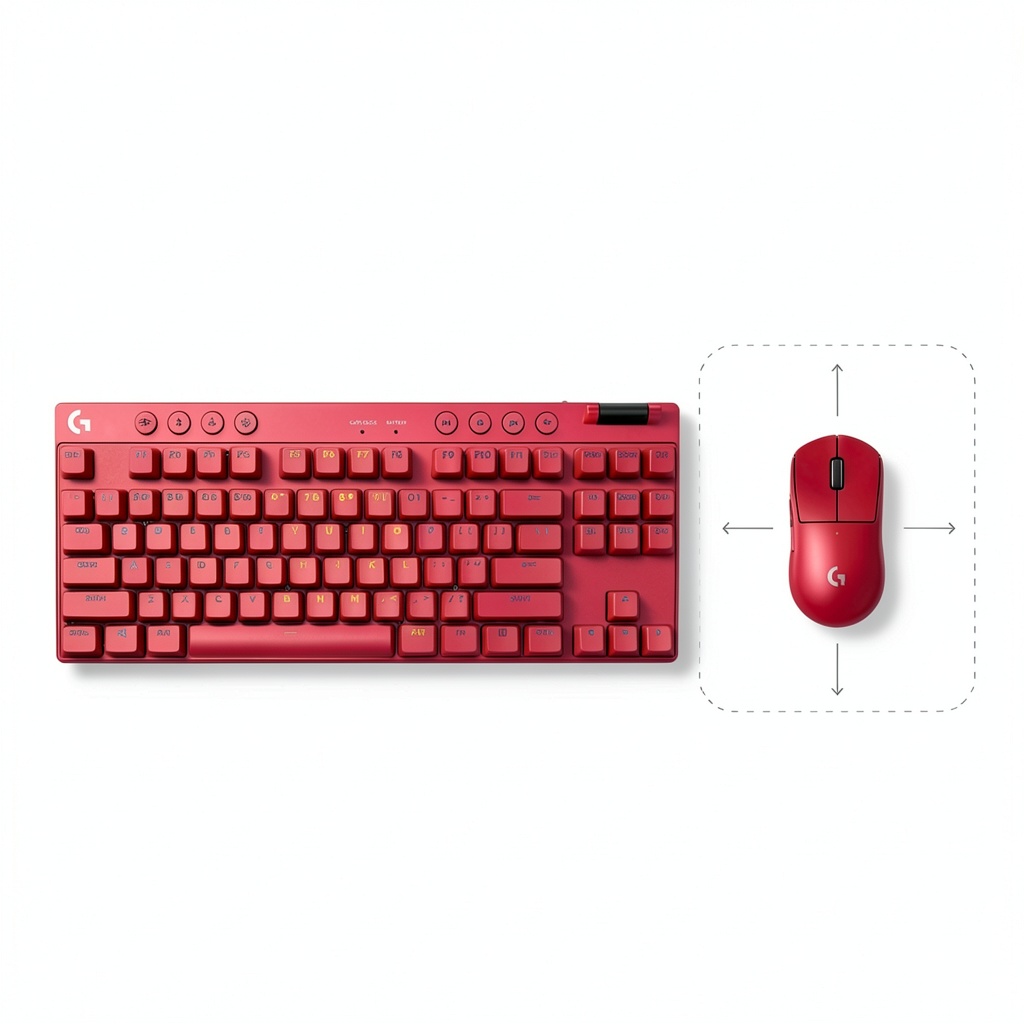
The primary distinction lies in the form factor: the PRO X TKL omits the numeric keypad, resulting in a more compact layout that frees up desk space and improves mouse positioning for faster reflexes. While the full‑size PRO X includes a dedicated number pad, the TKL version compensates with a detachable palm rest and optional external numeric keypad for users who occasionally need numeric input. Both models share the same PRO X tactile switches, LIGHTSPEED wireless technology, and customizable LIGHTSYNC RGB lighting, ensuring identical performance and feature sets. The TKL’s reduced size also makes it lighter and easier to transport, which is advantageous for gamers who travel to LAN events or prefer a minimalist workstation.
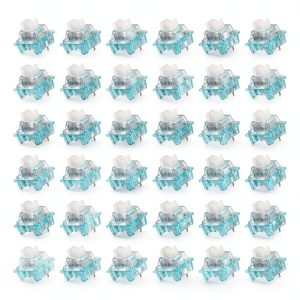
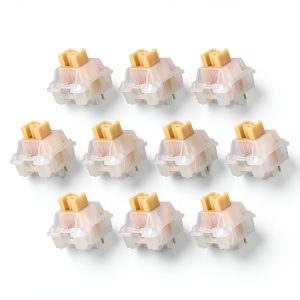
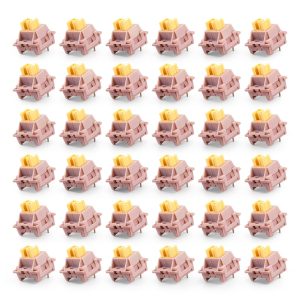 36Pcs 3-Pin 40gf Pink Keyboard Switches Hot Swappable
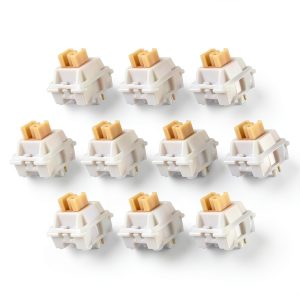
 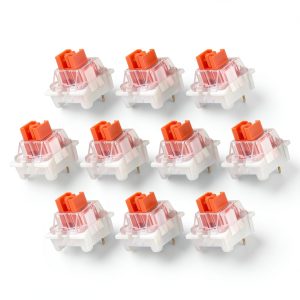 3-Pin Keyboard Switches KBTech 10pcs Red Linear 45gf Durable Hot Swap
Reviews
There are no reviews yet.